Your oven, on your iPhone
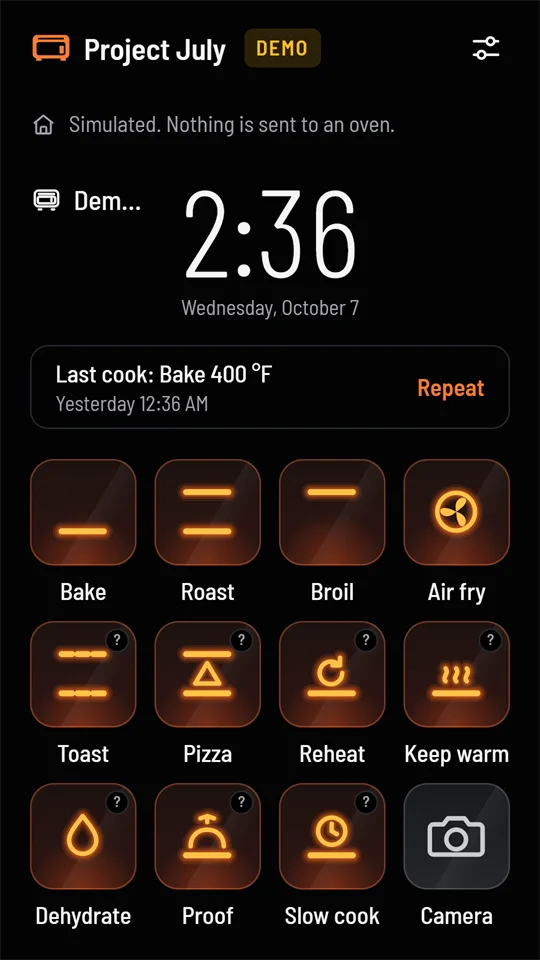
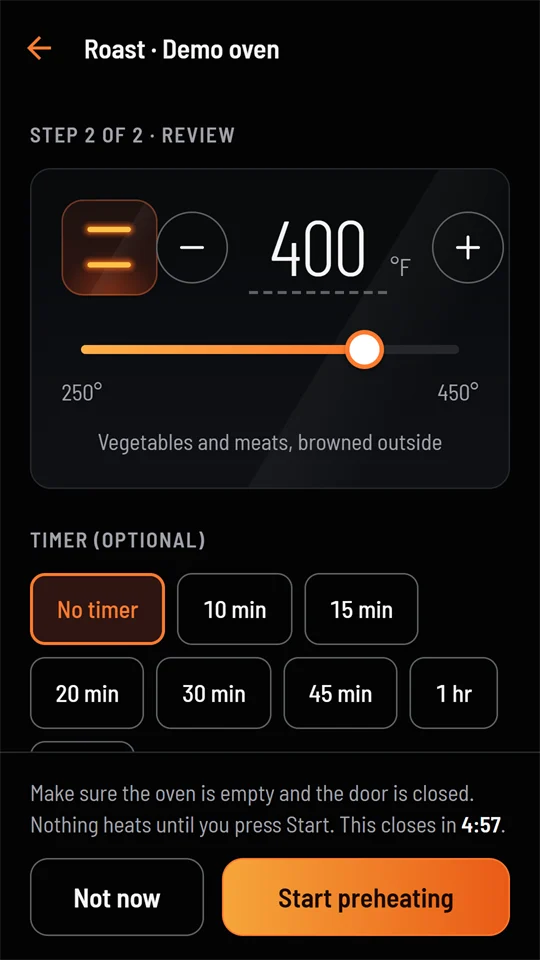
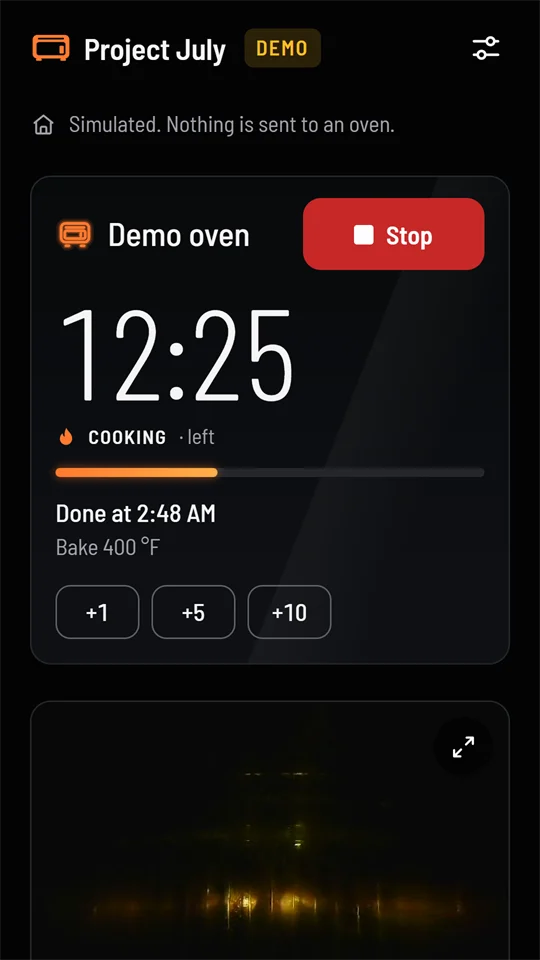
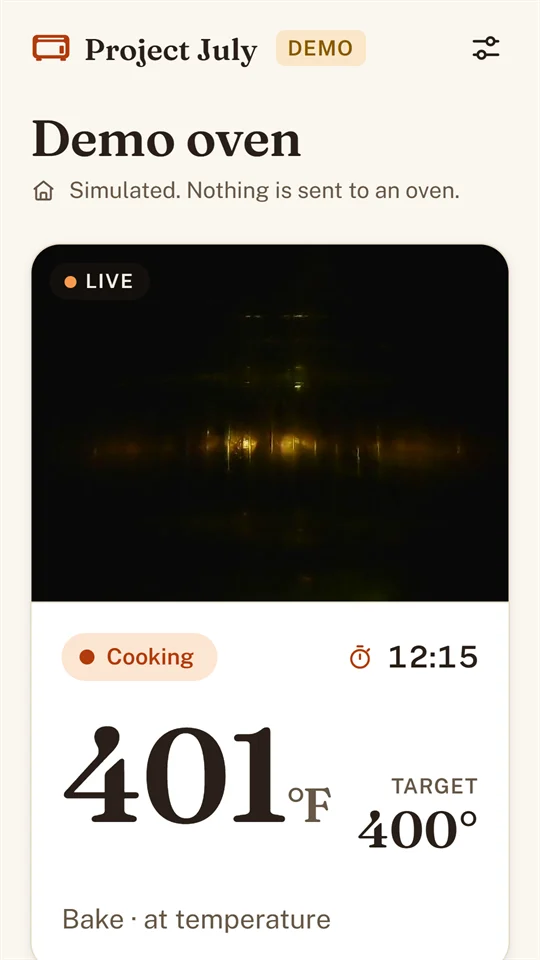
The same app as on Android, built from the same code: preheat, set a timer, watch the camera and stop a cook. It talks straight to your June oven over your home Wi‑Fi, with no cloud, no account and no subscription.
On TestFlight, by invite
The iPhone version is in testing on Apple's TestFlight. There's no public link yet, so ask for an invite by email.
Install Apple's free TestFlight app from the App Store, open the invite on your iPhone and select Accept, then Install. Updates arrive through TestFlight.
Have an Android phone too? The Android beta is on Google Play, and anyone can join.
Find the oven, type a code, done
- Allow local networkiOS asks whether Project July may find devices on your local network. Select Allow, or the app can't reach the oven. You can change it later in Settings › Privacy & Security › Local Network.
- Set up this phoneThe app looks for the oven, or you type its address. The installer names it
june.local. - Type the code on the ovenOn the oven, open Connect and type the eight-digit code the app shows.
- Allow remote startOn the oven, open Settings › App permissions so the app can start cooks.
Encrypting the connection
Commands are always signed by your phone, so the oven only obeys phones it has paired with. The app comes with the standard install's certificate, so with june.local, june2.local or june3.local the link is encrypted and checked with nothing to set up. After a custom install, add your home's certificate in the app (Settings › Connection › Home certificate), or install ca.crt on the iPhone: AirDrop or email it to yourself, install the profile, then turn it on under Settings › General › About › Certificate Trust Settings.
One big number, one red Stop
Every screen is the same as on Android. The Android page has the full tour.
iPhone questions
Something else? Ask in the Project July Beta Google group (anyone can join), or email hello@project-july.org.
The app can't find or reach the oven
Check that Project July is allowed under Settings › Privacy & Security › Local Network, and that the iPhone is on your home Wi‑Fi. Then type the address yourself: june.local, or the oven's IP address.
Saving a picture asks for Photos access
The app asks only to add pictures to your library, when you first tap Save. It can't see your photos.
Your oven stays at home
- No account, no ads, no analytics and no tracking.
- The app talks to your oven over your home network. Nothing about your oven or your cooking is sent to us, to June or to anyone else.
- Pairing keys and settings stay on your iPhone, in the Keychain.
- To get app updates, the app asks Expo's update service whether there's a new version. That check sends a random installation ID, not linked to you or your oven.
- Camera pictures are only saved or shared when you tap Save or Share.